A some recent Windows 11 cumulative updates being rolled out may prevents certain Cigent PBA 2.x systems from booting. The following error appears before the PBA login screen:
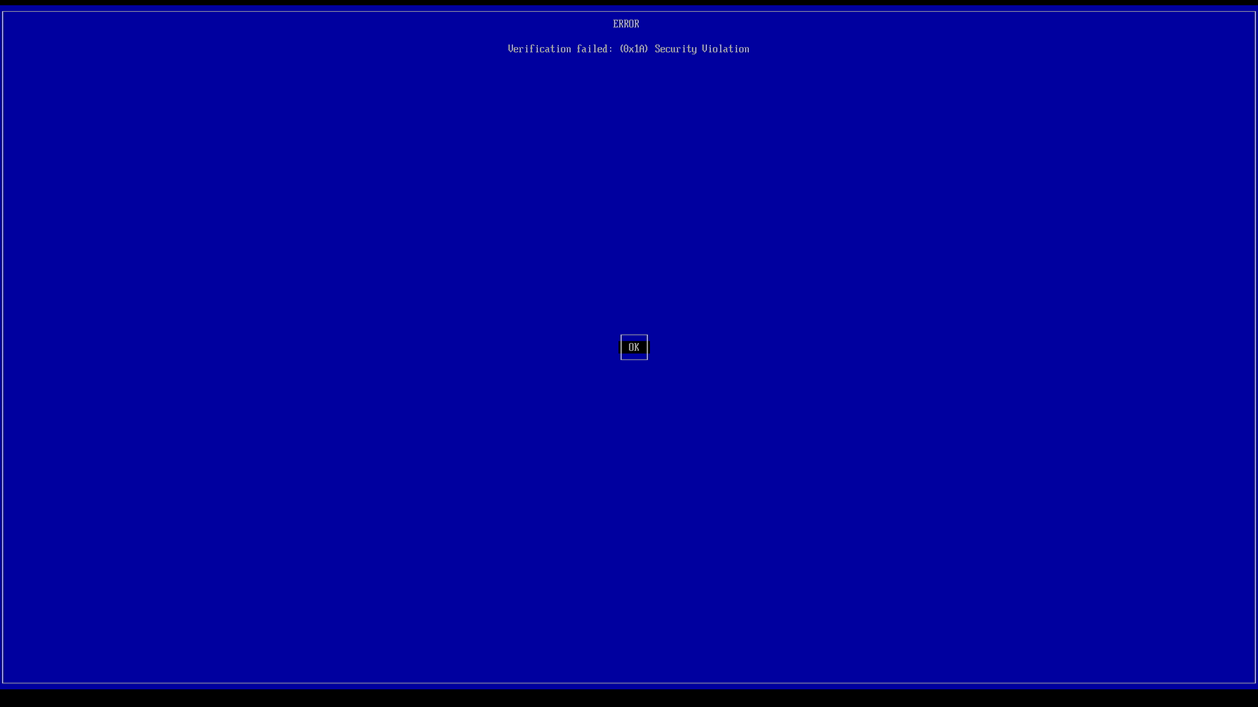
Affected operating systems: Supported Windows 11 systems running Cigent PBA 2.x versions.
Issue cause
The Windows updates install a newer SBAT revocation policy. This new policy may cause UEFI Secure Boot to block PBA startup.
Issue avoidance (before the Windows update)
To prevent the SBAT policy update from being applied, boot into Windows, open Command Prompt as Administrator, and run the following registry command:
reg add HKEY_LOCAL_MACHINE\SYSTEM\CurrentControlSet\Control\SecureBoot\SBAT /v OptOut /d 1 /t REG_DWORD
Recovery (if the system is already affected)
1. Restart the computer and enter the system BIOS/UEFI settings.
2. Temporarily disable Secure Boot and save the change.
3. Boot the Cigent PBA and wait for the login screen. You do not need to log in.
4. Shut down the computer.
5. Re-enter BIOS/UEFI settings, re-enable Secure Boot, and save the change.
6. Boot the PBA again. It should now start normally.
Why this works: Booting PBA with Secure Boot temporarily disabled allows the PBA to roll back the SBAT policy. Secure Boot can then be re-enabled.
Important: Restore Secure Boot after recovery. Apply the registry setting before further Windows updates. SBAT opt-out postpones a security revocation; update PBA when a compatible release is available. Contact Cigent Support if the error persists.
Was this article helpful?
That’s Great!
Thank you for your feedback
Sorry! We couldn't be helpful
Thank you for your feedback
Feedback sent
We appreciate your effort and will try to fix the article